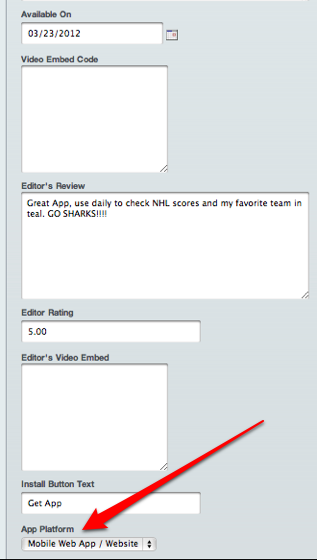
For all mobile web applications that have been manually added to your Appstore, you can now assign them to their own platform in Admin setting. Below are instructions on where to locate this function and how to make the edit.
Step 1: Head to your Admin dashboard
Step 2: Click 'Apps' in the navigation
Step 3: Click on the 'Manage Apps' tab
Step 4: Select the app you want to edit by clicking on the Title/Name
Step 5: Once inside 'Product Details' edit page, scroll down to the 'App Platform' drop-down menu
Step 6: Select 'Mobile Web App / Website' in the drop-down menu.
Step 7: Click 'Update' to save changes